BWLandEditorGUI

Black & White Land Editor

User guide for creating and editing Black & White landscapes, placing LHX objects, editing scripts and configuring the editor.

Language:EnglishItalianoFrançaisDeutschEspañol
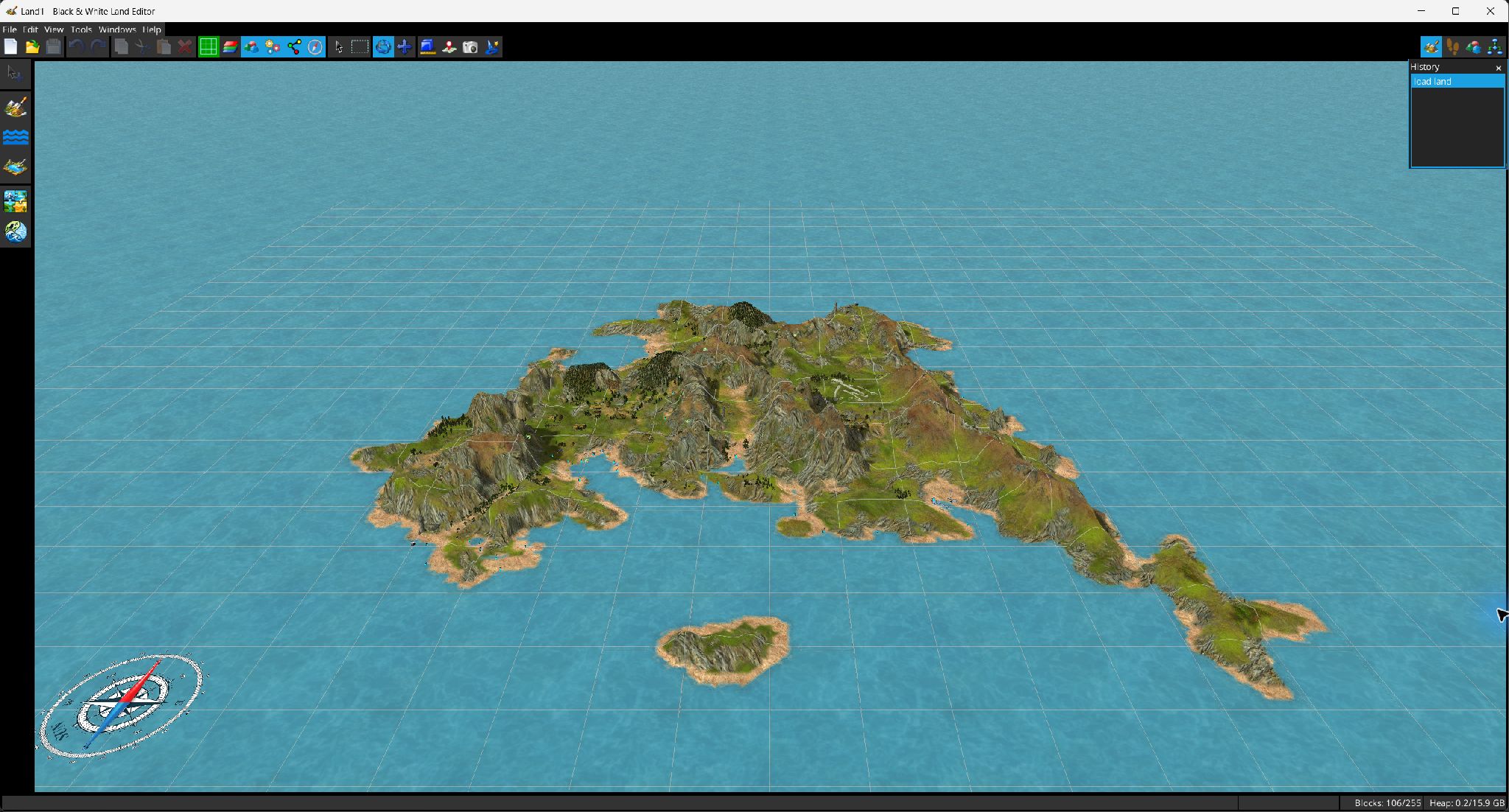
The editor with Land1 loaded: terrain, objects, navigation tools and edit history.
The editor with Land1 loaded: terrain, objects, navigation tools and edit history. Full resolution

1. Getting started

User interface & navigation

Projects, files, import/export & recovery

2. Landscape editing

Landscape editing overview

Materials · Countries · Sculpting

Country painting · Ocean & lakes · Environment sounds

Terrain detail maps & shadows

3. Objects & script

Object placement and attributes

LHX scripting and land attributes

4. Configuration

User preferences

Generators, inspectors and utility windows

About & license

Quick workflow

  1. Open an existing .lnd or LHX .txt project, or create a new project.
  2. Define or import materials and countries.
  3. Shape the terrain with the sculpt/ocean/lake tools and paint countries or environment sounds.
  4. Switch to Object Placement to add and configure LHX objects.
  5. Use the LHX Script window for statement-level editing, then save both landscape and script.