 applies a reusable brush to terrain elevations and can also assign countries, coastline/cliff materials and sounds while shaping.
The Sculpt tool applies a reusable brush to terrain elevations and can also assign countries, coastline/cliff materials and sounds while shaping.
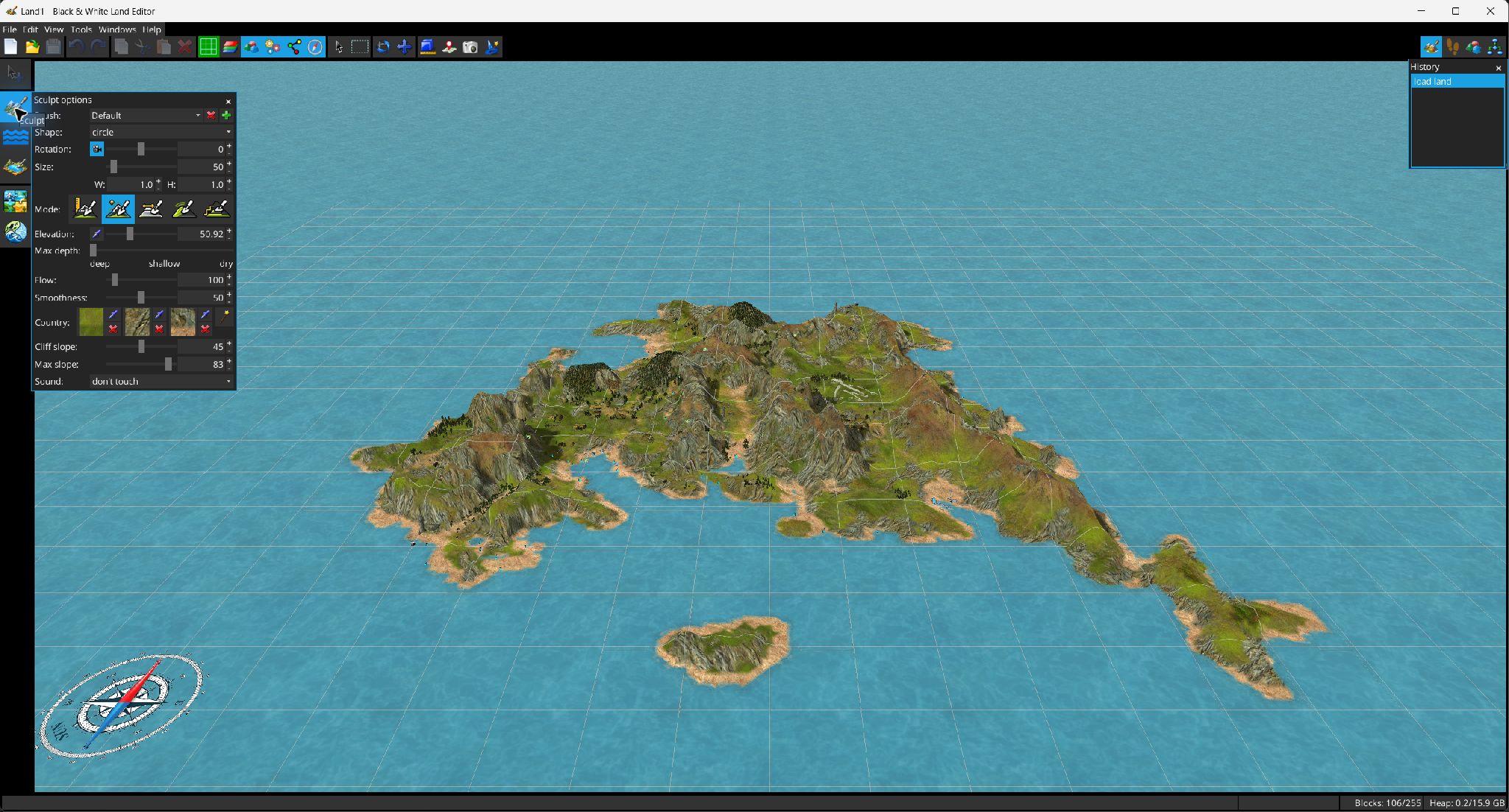
Brushes can be saved, added and removed. Shapes are Circle and Triangle. Size defines the major dimension; W/H change the aspect ratio. The angle can follow the camera or use a fixed offset. Flow controls editing speed and Smoothness controls the feathered edge.
| Mode | Behavior | Shift behavior |
|---|---|---|
 Absolute Absolute | Moves cells toward the configured absolute elevation. | Drives cells away from the reference elevation toward the available extremes. |
 Relative Relative | Adds the configured elevation delta to the height present at stroke start. | Subtracts the delta. |
 Flatten Flatten | Uses the elevation under the stroke start point as a flat target. | Moves cells back toward the heights recorded at stroke start. |
 Smooth Smooth | Moves each cell toward a weighted average of neighboring heights. | Produces the inverse effect (local sharpening). |
 Terrace Terrace | Quantizes terrain into elevation steps using the configured elevation as the terrace interval. | The terrace target remains quantized; the modifier still affects directional water/coast handling. |