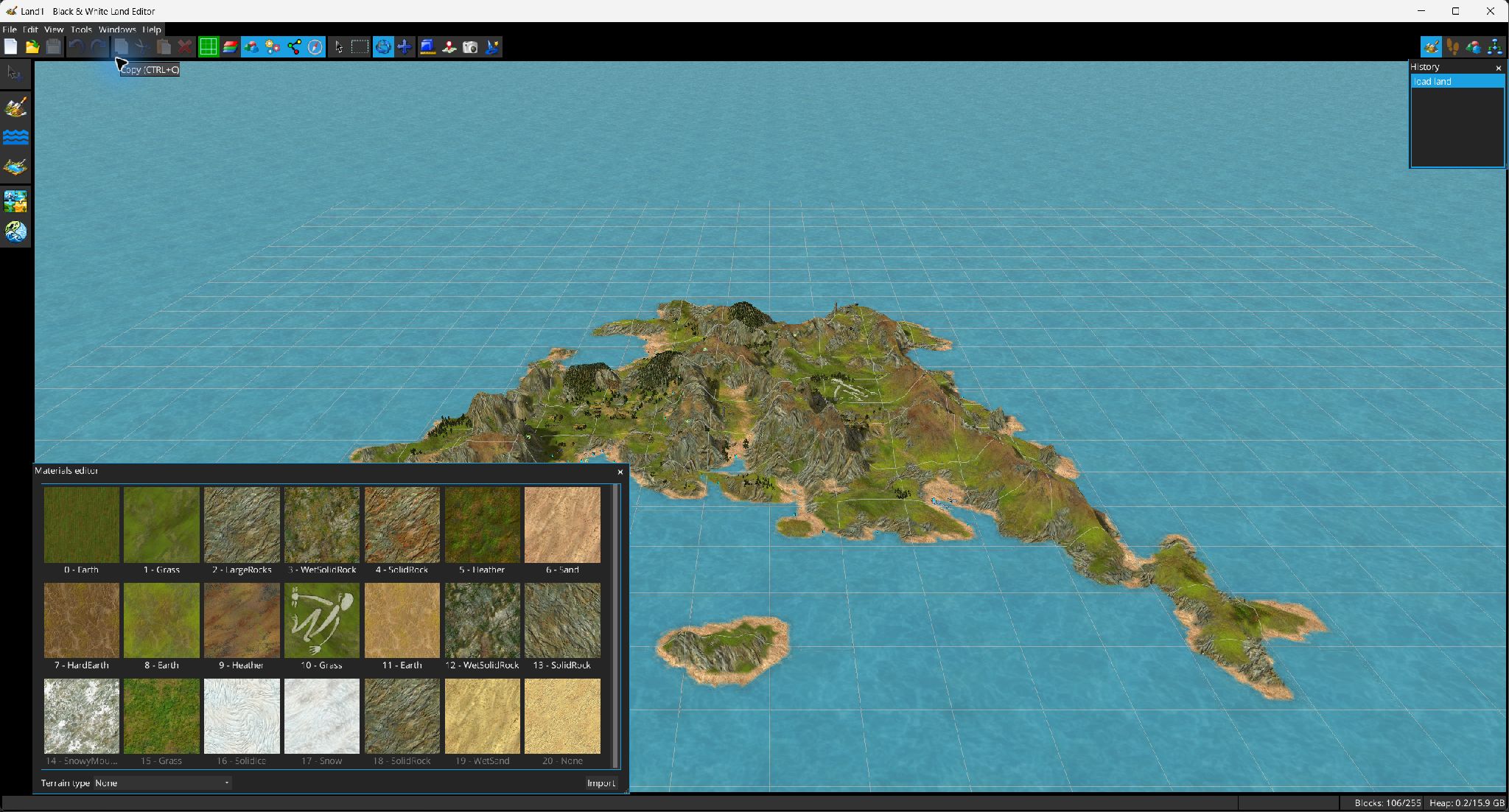
The Materials Editor manages the texture resources used by landscape countries.
Use . Materials are shown as texture thumbnails; unused materials are rendered with dimmed labels.
| Action | Description |
|---|---|
| Terrain material type | Assigns the selected material's terrain classification. |
| Import material | Imports a PNG texture as a material resource. |
| Edit texture | Opens the texture editor with live preview/apply/cancel behavior. |
| Duplicate | Clones the material. |
| Replace occurrences | Replaces all references to the selected material with another material. |
| Export | Writes the selected material to PNG. |
| Remove | Available only when the material can safely be removed. |
The same window can be opened in selection mode by other tools (for example the Country Editor) to choose a material rather than edit the list.