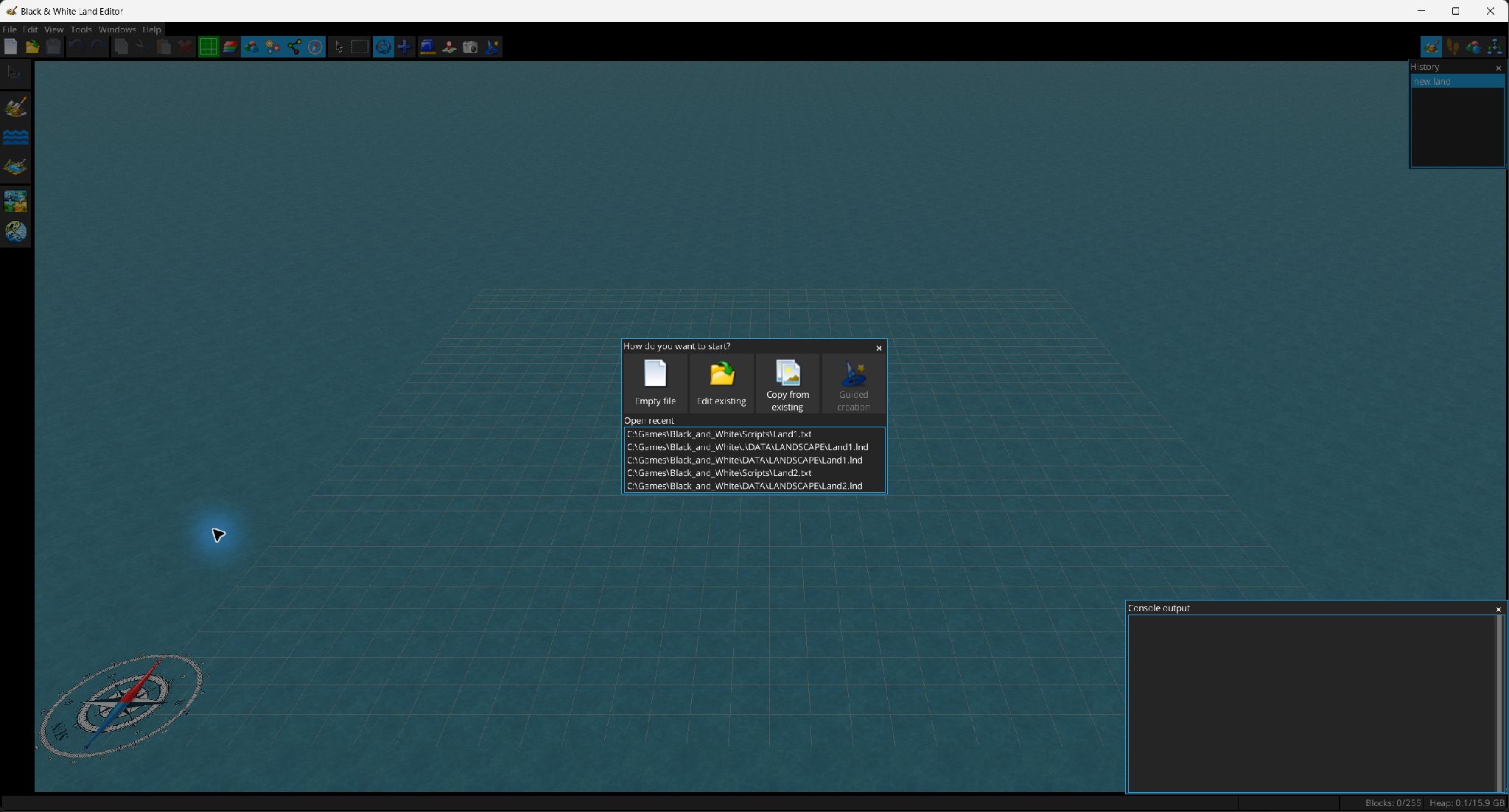
The editor treats the landscape (.lnd) and the LHX initialization script (.txt) as related project components and saves either one when it has unsaved changes.
.lnd and .txt. Opening an LHX script can automatically load its referenced landscape when the game directory is configured..lnd/.txt files; the maximum count is configurable.imports blocks from another landscape without replacing the current one. Countries used by the imported data are mapped to destination countries. The dialog supports automatic matching, manual map/import decisions, remembering mappings and clearing stored decisions.
After mapping, the imported land appears as a preview in the 3D view. Move it to the target position and confirm with Enter; Esc cancels. Grid alignment can be requested.
reads a PNG, converts it into terrain and then lets you position the generated land. Before import you can:

 or reflect horizontally/vertically
 ;
;Export Height Map writes the current terrain as PNG. The screenshot button  saves the rendered 3D viewport.
Recovery entries appear in the start window after an abnormal interruption and can be reopened or removed. Recovery files are deleted automatically after the corresponding document is saved normally.